
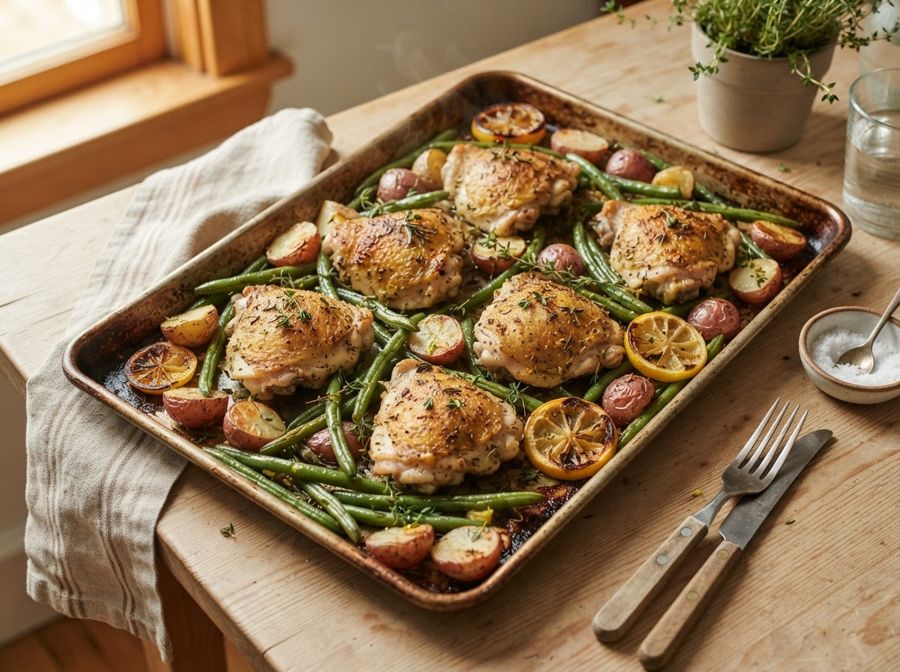
The pop-up parade
You came for a chicken recipe. You got a newsletter box, a cookie banner, three ads and a video that follows you down the page.
Kitchen Clipper lifts the recipe off the page and leaves the pop-ups, autoplay videos and ten paragraphs of backstory behind. It saves to your own recipe box with the creator's name and a link back, so you can plan the week and shop from one list.
Request an invite
Free while we're in beta
You only wanted to know how much garlic.
You came for a chicken recipe. You got a newsletter box, a cookie banner, three ads and a video that follows you down the page.
A trip to Tuscany, a grandmother, fourteen photos of the same skillet. The ingredients are somewhere near the bottom.
Bookmarks, Instagram saves, screenshots, links you texted yourself. None of them are where you need them at 5:30 on a Tuesday.
Three steps from "that looks good" to dinner on the table.
Open the Kitchen Clipper side panel on any recipe page. It reads the ingredients, steps, times and servings for you, ready to save in one click. Found the recipe in an Instagram or Facebook caption? Highlight it and clip that instead.
Put recipes on the days you'll cook them, from breakfast to dinner. Leftovers night or takeout Friday fit too, so the whole week lives in one place.
Your shopping list builds itself from the week's plan, sorted by aisle, with the same ingredient from different recipes added together. Add the paper towels yourself and check things off in the store.
The small things that make cooking from a screen less of a fight.
Every recipe keeps the creator's name, their photo and a link back to the original. You'll always know whose recipe it is and where to find more.
The storage advice, make-ahead tricks and swaps buried in the post are pulled out and written in plain words, then checked against the page so nothing is made up.
Bigger text, ingredients you can tick off as you go, and a screen that stays awake while your hands are covered in flour.
Open any recipe in its own window at reading size and park it beside the stove, with the step you're on highlighted.
Favorites, collections and search that looks through ingredients too, so "what can I make with this zucchini" has an answer.
Pick Home Style, Country, Modern or Pop. Your choice follows you from the app to the clipper on every device.
We built Kitchen Clipper as fans of food creators, not a replacement for them. The recipe is the reason you showed up. The person who wrote it deserves the credit and the visit.
Nothing while Kitchen Clipper is in beta. If that ever changes, beta members will hear about it from us first, well ahead of time.
The clipper is an extension for the Chrome browser on a desktop or laptop. Your recipe box, meal plan and shopping list work in any browser, including the one on your phone, so the list comes with you to the store.
Recipe blogs and food sites work best. On Instagram and Facebook, highlight the recipe in the caption and clip it. Most TikTok recipes live inside the video itself, so those aren't supported yet.
Yes. The clipper only reads a page when you open it, it never tracks your browsing, and we don't sell or share your data or show you ads. The privacy policy spells out exactly what we keep.
We're letting people in a few at a time so we can listen and fix things fast. When your spot opens, you'll get one email with your invite and a link to add the clipper to Chrome.
More answers on the help page.
The first spots go to people who cook often and will tell us what's working and what isn't.
Request an invite
Free while we're in beta